How to Activate Windows 10 by Phone Key license
To activate Microsoft Windows by phone method, follow the guide below:
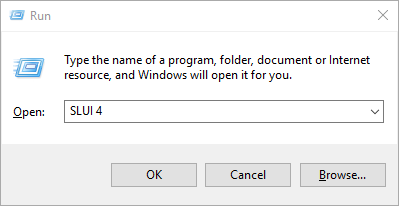
Press the Win+R keys to open Run, then type: SLUI 4, then click on OK.
(Note that there is a space between SLUI and 4.)
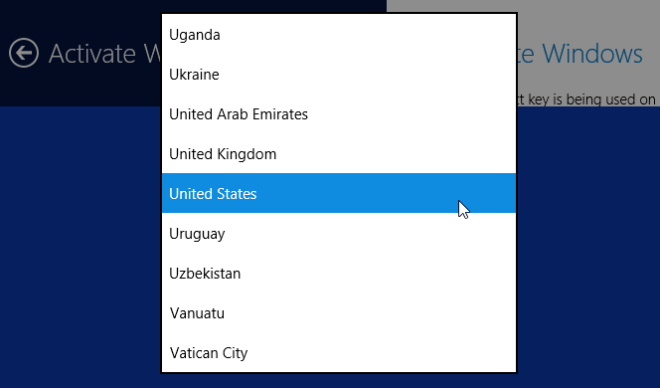
Select your country or region, then click Next.
Press the Win+R keys to open Run, then type: SLUI 4, then click on OK.
(Note that there is a space between SLUI and 4.)
Select your country or region, then click Next.
- Call the provided phone number to reach the Microsoft Product Activation Center. You will first be walked through an automated menu where you must answer a few questions about what product you are trying to activate (Windows 10), whether you have previously activated it (No), and whether you have a product key (Yes).
- The automated system will now describe the Internet activation process to you. You already know this information, but simply wait for it to complete.
At the end, the system will ask you if you still need assistance.
Tell it “Yes”, and then you will be taken to a human operator.
Alternative Option > RecommendedWe recommend using www.getcid.us, a neutral, brand-free platform designed specifically for end users.
Take ScreenShot Of IID (installation ID) and Uplaod to Get Confirmation ID (CID)
